Simple list views of the modules
- Contacts
- Items
- Projects
- Purchasing
- Receipt entry
- Time management
can be printed by clicking the new button  . When printing takes place first the query, in which paper size, in which orientation and with which page margins to be printed. Here, the number of columns in the list should be considered, so that later everything is easy to read.
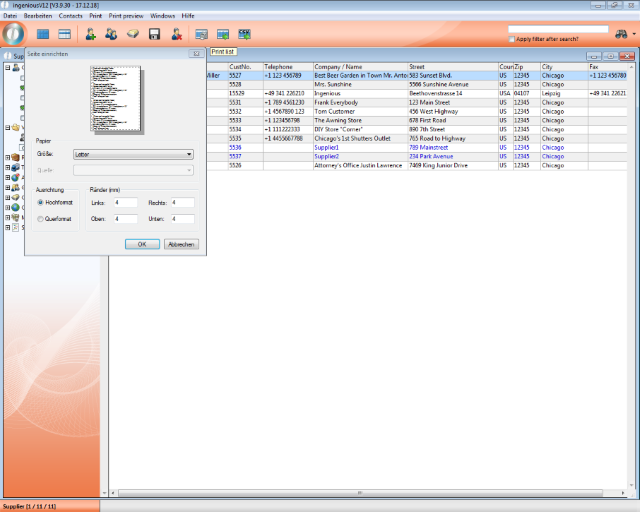
Page settings for printing module lists
Afterwards, the printer will be selected and further print settings made if necessary.
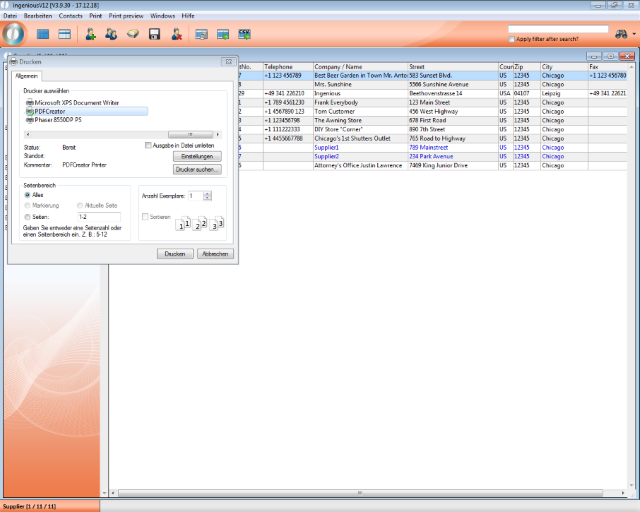
Print dialogue for printing a list view
Columns that do not fit on a printed page are distributed to other pages.
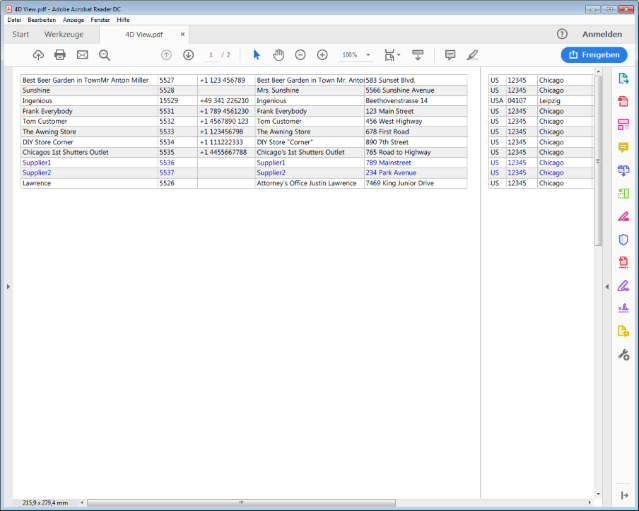
Over 2 pages printed list